This articular will cover navigating and using Sicon.
TABLE OF CONTENTS
Appointments
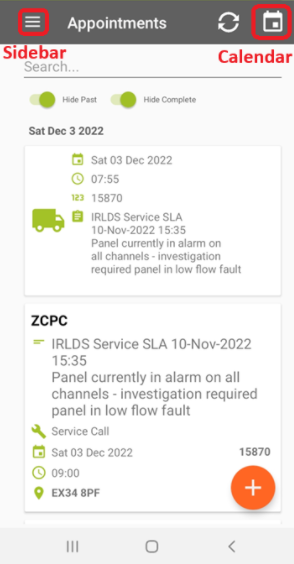
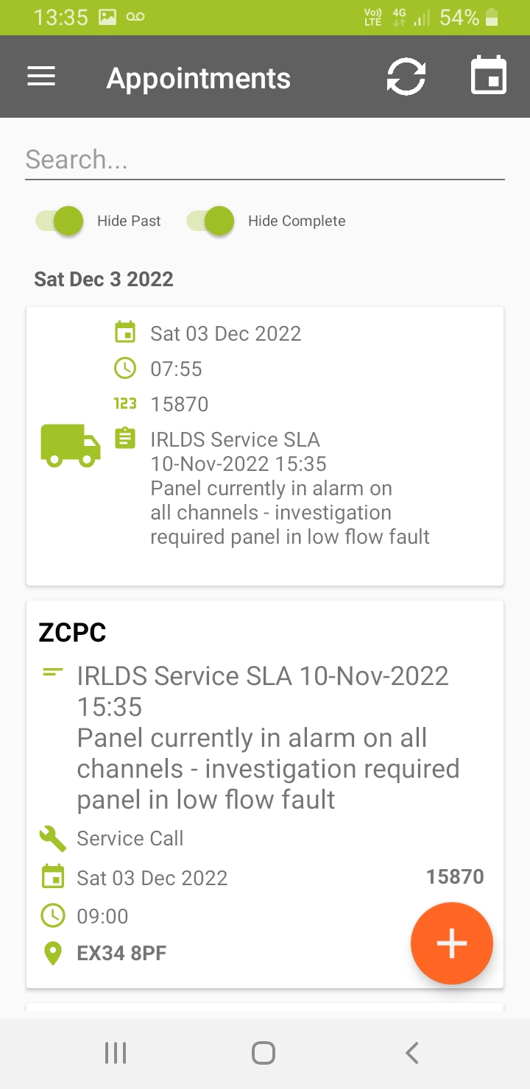
Appointments that have been confirmed will appear in the appointment list.
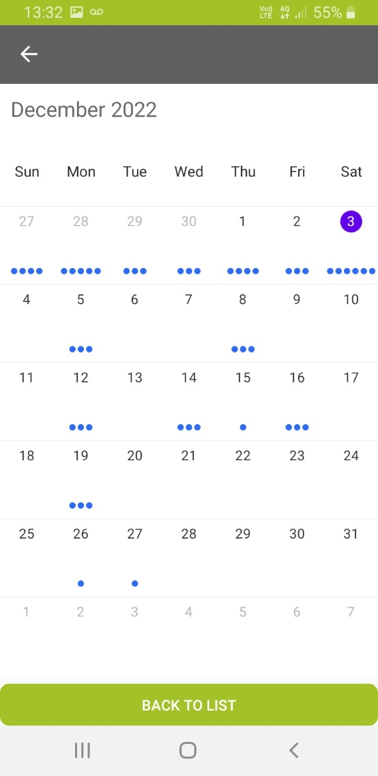
Future appointments that have been confirmed can be selected from a calendar view (accessible from the top right calendar icon). The appointments will be chronological so should be followed from top down.
All days with a travel appointment and end the travel with the return journey. - Please do not skip sequential travel appointments as costs will be associated to it. Please ensure that clocking in and out of this is as accurate as possible.
When the appointment is complete it will disappear from this list.
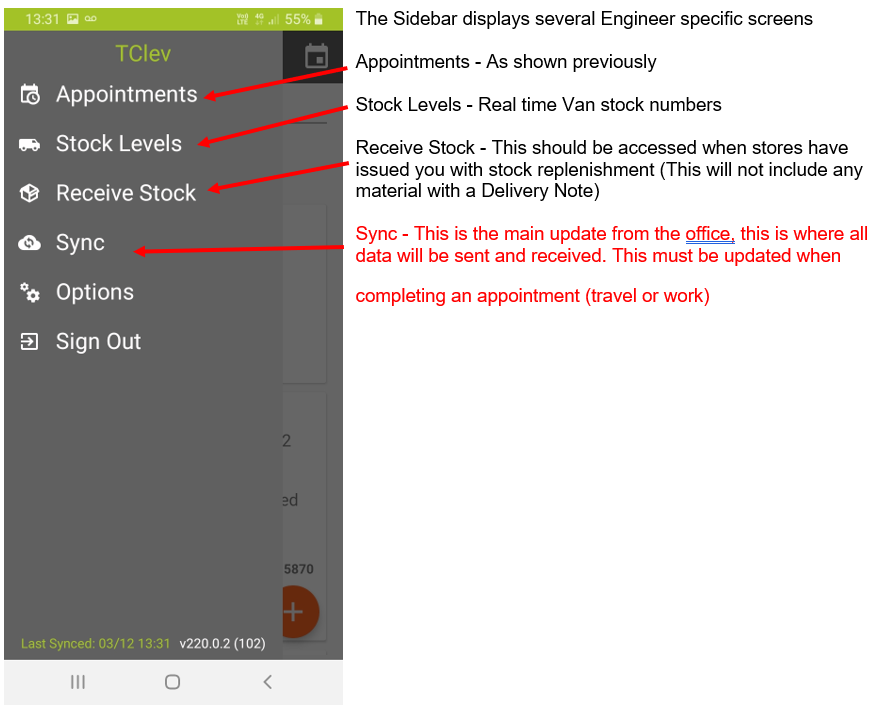
The sidebar can be accessed from the three lines at the top left.
 |  |
Work Appointment
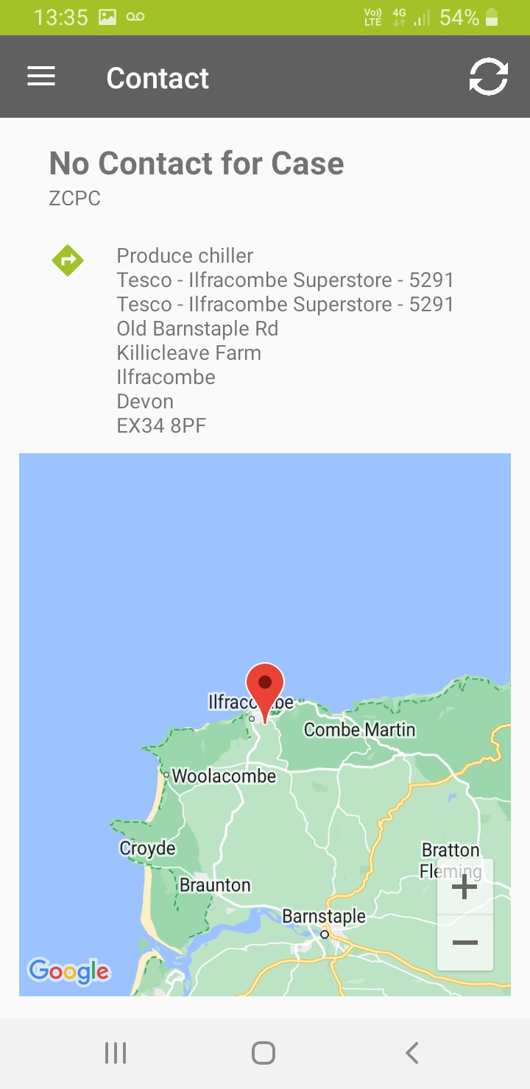
Case Contact is the first view when accessing an appointment. Details of the site contact and the address, postcode and map location will be displayed here. Clicking on this will open the location, if you press the navigation arrow, the app wil open your map with the location setup to travel to.
 |  |
Case Appointment
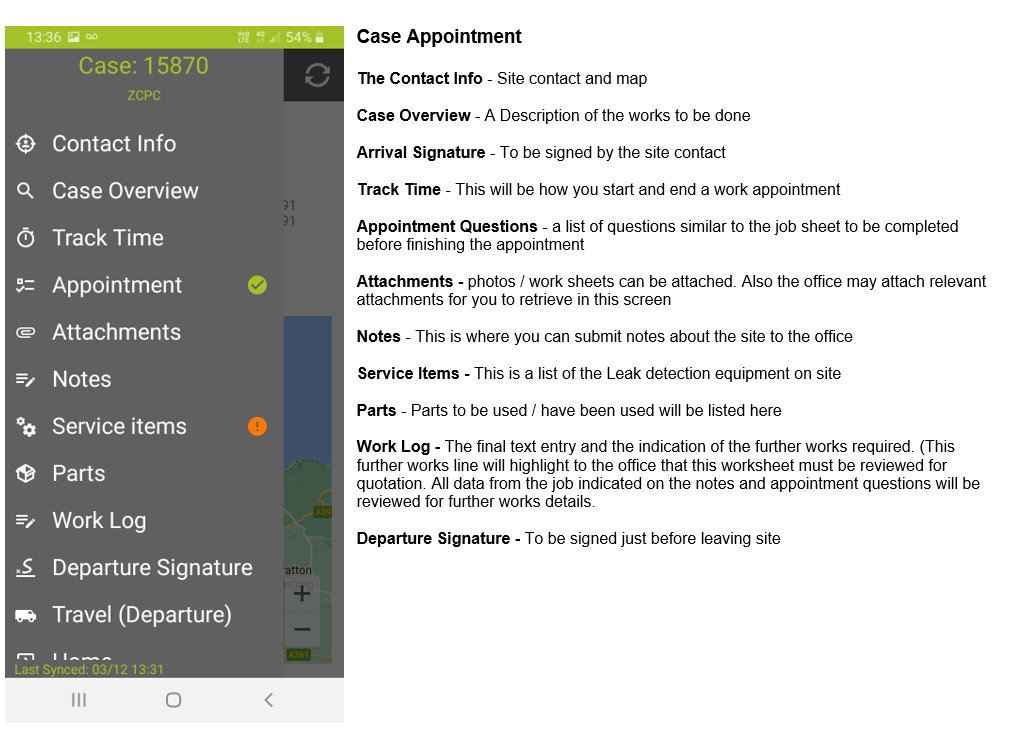
Sidebar navigation
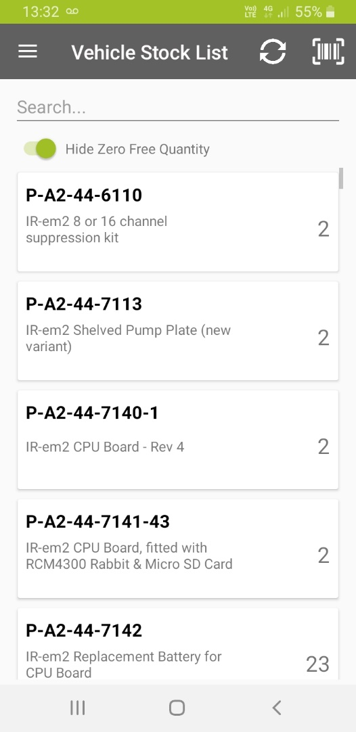
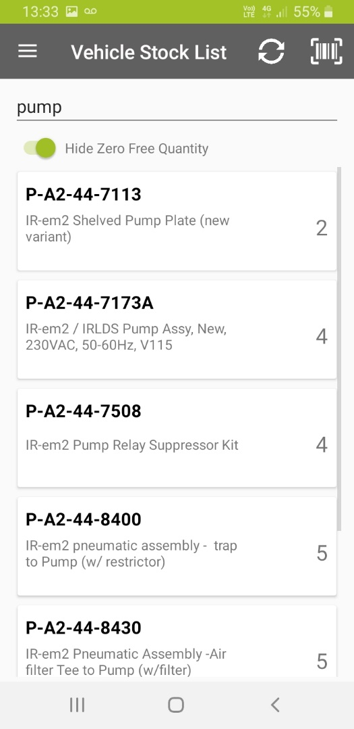
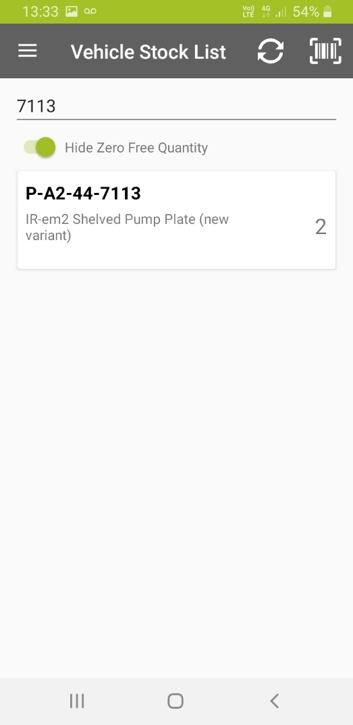
Stock levels
This should reflect exactly the stock assigned to your Van. Please advise Stores if there is any deviation. All stock items will also have a QR barcode against their stock value. Whenever this similar screen appears you can search on text string, part code or scan the QR to select the stock item required.
 |  |  |
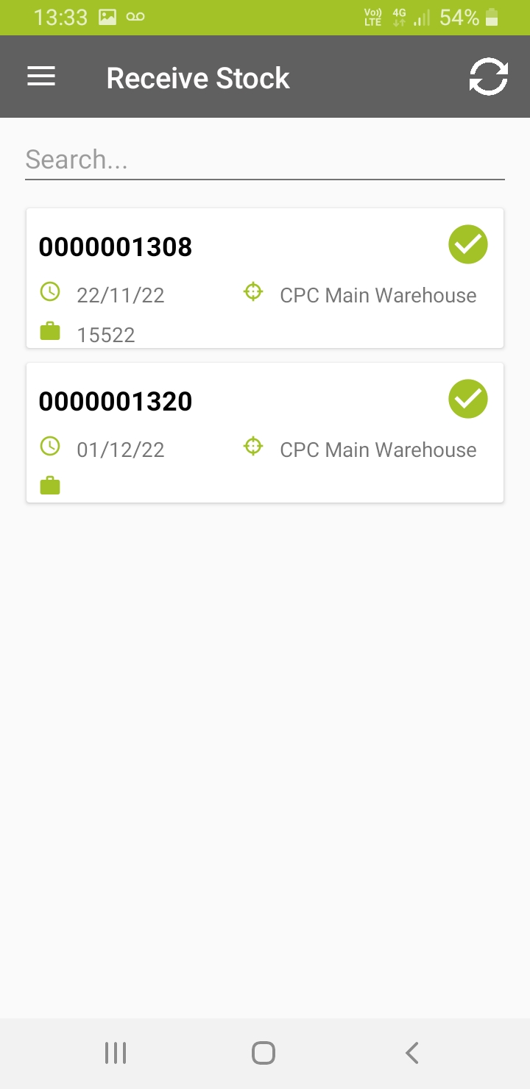
Receive stock
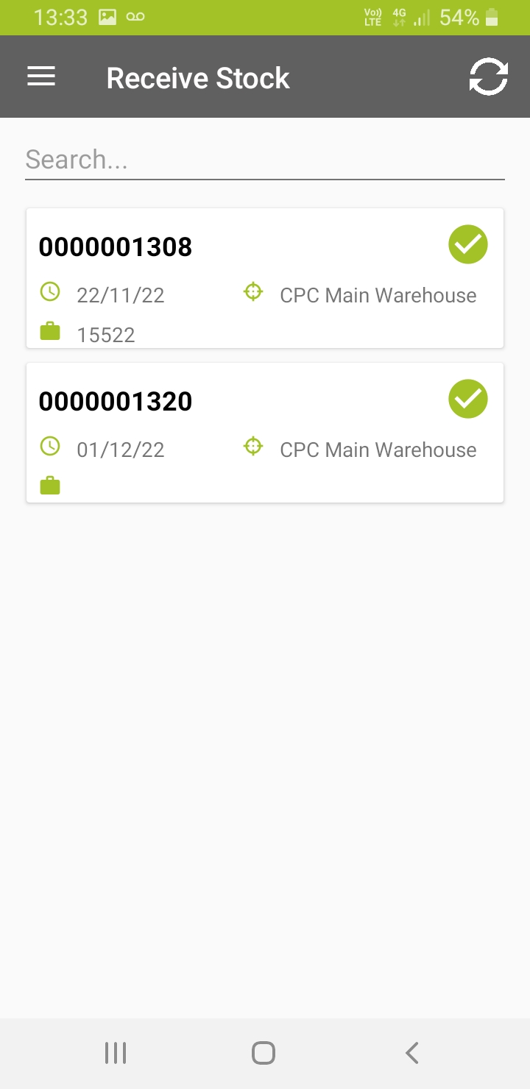
Stock sent from Stores or being collected will appear in this screen. This stock will not be able to be used from your van until it has been received.
You can investigate each shipment separately before receiving. If there are issues with collection or parts please contact Stores
 |  |
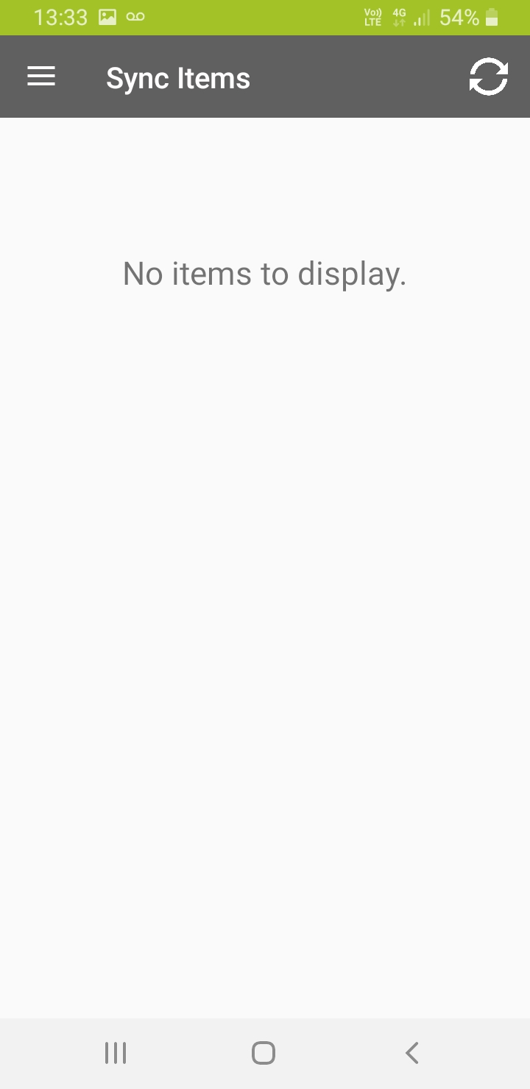
Sync
All uploads, data and entries will not be submitted to the office until selected from this page.
All future work appointments and upcoming attendances will also be hidden until synced on this page.
Please ensure this is done frequently to keep data relevant.
Was this article helpful?
That’s Great!
Thank you for your feedback
Sorry! We couldn't be helpful
Thank you for your feedback
Feedback sent
We appreciate your effort and will try to fix the article